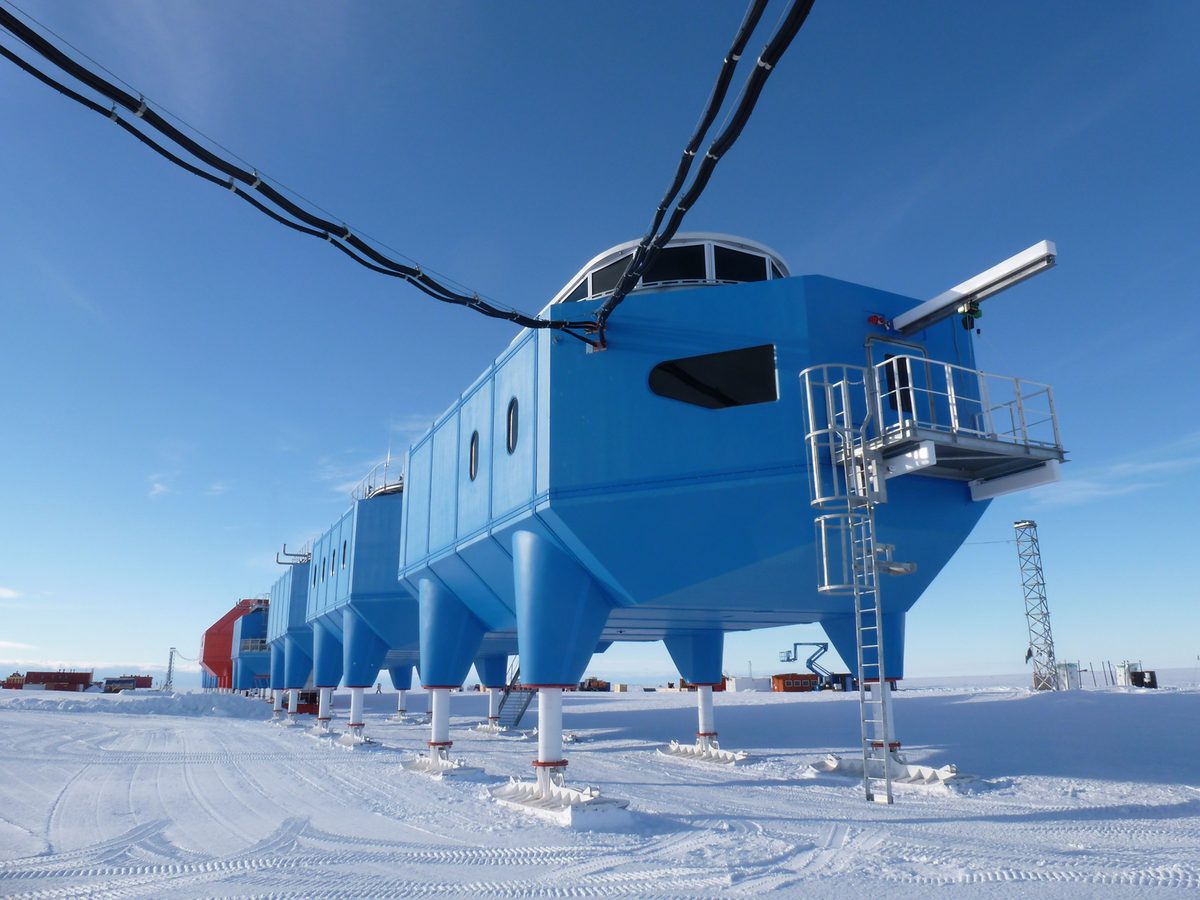
A decade ago, the honest answer to a question about antarctica wifi was a gentle laugh and a recommendation to enjoy being unreachable. Connectivity at the bottom of the world meant a painfully slow, eye-wateringly expensive satellite trickle, fine for a one-line “arrived safely” email and nothing more. That world has changed, and faster than almost anyone predicted. The arrival of Starlink’s low-orbit satellite network has dragged Antarctic ships into the broadband era, and many expedition vessels now offer Wi-Fi good enough to send photos, message home, and even stream a little. If you are trying to figure out what to expect on your own voyage, the truthful 2026 answer is: more than you think, but with real limits and a strong case for unplugging anyway.
I have sailed south both before and after the Starlink revolution, and the difference is night and day — yet the old advice still has a kernel of wisdom in it. This guide explains exactly what connectivity looks like now, which operators offer what, where the signal still drops out, what you can realistically do online, and why so many travelers end up grateful for the enforced break even when the bars are full. Let me set your expectations honestly so there are no surprises when you board.
What Antarctica WiFi Is Really Like in 2026
Here is the headline on antarctica wifi today: on many modern expedition ships it genuinely works, and works far better than its reputation suggests. Thanks to Starlink, a growing number of vessels offer download speeds that would have been science fiction a few years ago — fast enough for messaging apps, email, web browsing, and in some cases video calls and light streaming. The transformation has been so rapid that travelers who sailed even two or three seasons ago would not recognize the experience. The continent’s long history of digital isolation is, for ship-based tourists at least, largely over.
But “works” comes with caveats, and managing your expectations is the key to not being disappointed. The signal is shared among hundreds of passengers, it dips behind mountains and in deep channels, weather and the ship’s position affect it, and many operators deliberately limit bandwidth-hungry activities to keep the network usable for everyone. So the realistic picture is good-but-variable connectivity, not the seamless broadband you have at home — and, for many people, that turns out to be exactly the right amount.
How Connectivity Changed: From Iridium to Starlink
To appreciate where we are, it helps to know where we came from. For most of Antarctic tourism’s history, ships relied on geostationary satellite systems and the Iridium network — reliable for voice and basic data but slow and metered, with bandwidth measured in trickles and costs that made travelers ration every megabyte. Sending a single photo could take many minutes and a meaningful chunk of a pricey data package. Then came Starlink, with its constellation of low-Earth-orbit satellites delivering far lower latency and dramatically higher speeds, and coverage that has steadily filled in toward the poles as new high-inclination satellites were launched specifically to serve regions like Alaska and Antarctica. The result is that the polar corridors most cruises travel are now well within Starlink’s reach for much of an itinerary.
This shift matters beyond convenience. Better connectivity has improved ship operations, weather routing, and — importantly — the speed and coordination of any emergency response, which feeds directly into the safety story we cover in our guide on whether Antarctica is safe to visit.
Which Operators Offer Wi-Fi — and Is It Free?
Whether you get connectivity, how good it is, and whether you pay all depend on your operator, so this is a question to ask before you book if it matters to you. Several major expedition lines have rolled Starlink out fleet-wide, and their policies on cost vary considerably:
| Approach | What it typically means | Examples of how lines handle it |
|---|---|---|
| Free, included Wi-Fi | Basic connectivity at no extra charge for all guests | Some lines include it fleet-wide |
| Free basic tier, paid upgrade | Complimentary messaging/email, pay for more bandwidth or streaming | A common premium-expedition model |
| Paid bandwidth packages | Tiered “browse” and “browse and stream” packages for purchase | Several mainstream lines |
The trend is clearly toward more, and often free, connectivity, but do not assume — confirm the specific policy with your operator. If onboard internet is important to you, treat it as one of the features to compare when choosing a ship, alongside cabins and itinerary. Our guide to expedition ships and operators is the place to weigh those trade-offs.
Realistic Expectations: Where the Signal Drops
Even with Starlink, Antarctica is not a uniform broadband bubble, and understanding the gaps prevents frustration. Connectivity tends to weaken or vanish in a few predictable situations: deep within steep-walled channels and fjords where mountains block the satellites’ line of sight, in certain far-southern or shadowed positions, during heavy weather, and whenever the whole ship piles online at once after a landing. You may have a strong signal in open water crossing the Drake and then lose it entirely as you nose into a spectacular narrow passage — which, frankly, is when you should be on deck with a camera anyway. Treat connectivity as a pleasant intermittent bonus rather than a constant utility, and you will never be caught out.
What You Can Actually Do Online
On a well-connected modern ship, the practical reality is better than most travelers expect. Messaging apps work for texting family, sending photos, and quick voice notes. Email flows normally. Web browsing is usable for checking news or looking something up. On the better tiers and in good conditions, video calls and even light streaming are possible, though operators often discourage heavy streaming to protect shared bandwidth. What you should not plan on is treating the ship like your home office with flawless uptime — large uploads, big software updates, and bandwidth-hungry cloud backups are the things most likely to crawl or stall. For sharing the trip as it happens, a few compressed photos to a family group chat is the sweet spot, not a 4K vlog upload.
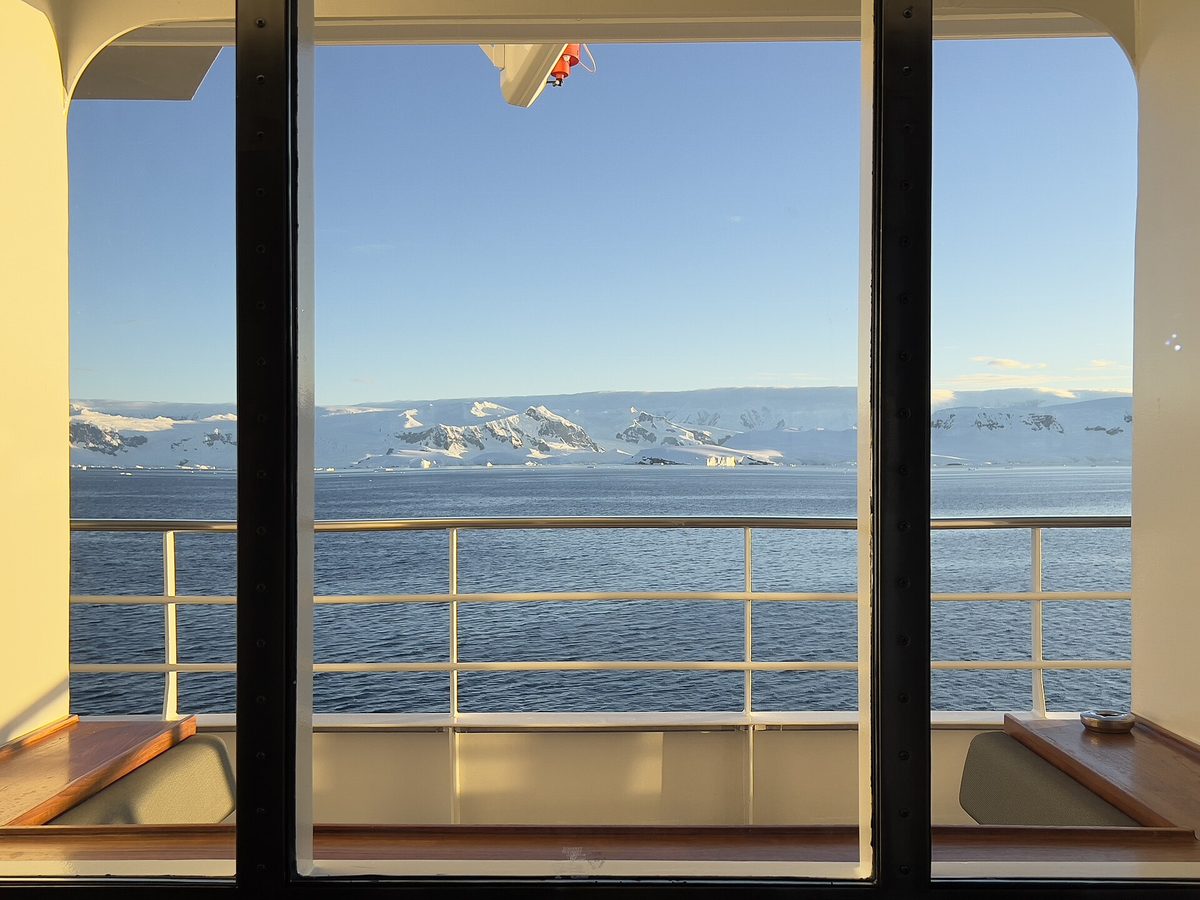
Free Basic Tiers vs Paid Upgrades
The most common premium-expedition model is a free basic tier that covers messaging, email, and limited browsing, with paid upgrades for more bandwidth or streaming. If your needs are modest — reassuring family, checking in, posting the occasional photo — the free tier is usually plenty, and I rarely bother upgrading. If you genuinely must work or stream, price the upgrade before you sail and confirm what it actually delivers, because “streaming package” in polar waters still means polar-water performance. Read the fine print on data caps and fair-use throttling, which exist precisely because hundreds of people share one pipe.
The Case for a Digital Detox
Here is my honest, slightly contrarian advice: consider leaving it switched off. One of the quiet gifts of an Antarctic voyage is the permission to disconnect. For many travelers, the days without a constant stream of notifications become the most restorative part of the entire trip — long hours on deck watching for whales, real conversations with fellow passengers, evenings reading instead of scrolling. The wildlife and the scenery are so absorbing that your phone tends to become a camera and nothing more. You can always send a daily check-in to reassure home, then put the device away. I have never once regretted being less connected in Antarctica, and I have often regretted the opposite. Plan to be present; the inbox will keep.
How to Prepare Your Devices Before You Sail
A little preparation makes intermittent connectivity painless. Before you leave home or your gateway hotel, download everything you might want offline: maps, reading material, music, podcasts, and any documents you need, including your insurance certificate and travel paperwork covered in our Antarctica travel requirements guide. Turn on airplane mode with Wi-Fi enabled to avoid surprise roaming charges, and set your photo and cloud apps to manual upload so they do not silently devour the ship’s bandwidth. Let key people at home know you will be intermittently reachable and that no news is simply no signal, not bad news. These five minutes of setup prevent the most common connectivity headaches entirely.
Staying in Touch With Family
For most travelers, the real goal is not browsing but reassurance — letting loved ones know you are safe and sharing the wonder as it unfolds. Modern ship Wi-Fi makes this easy when the signal is up, and even when it is down, the ship’s own communications can pass an urgent message. Set expectations with family before you go: agree on a rough daily check-in if the signal allows, and reassure them that gaps are normal and expected. Phones themselves behave differently down here, with no cellular networks at sea, so our companion guide to phones and staying in touch in Antarctica explains exactly how calls, texts, and apps work on the ice.
Emergency Communications
Connectivity for fun is one thing; connectivity for emergencies is another, and it is far more robust. Expedition ships carry dedicated satellite communication systems entirely separate from passenger Wi-Fi, so the crew can always coordinate with other vessels, gateway authorities, and rescue services regardless of whether guests can stream. This redundancy is part of why modern expedition travel is so safe: the ship is never truly out of contact even when your personal signal is. If you have a genuine emergency at home that someone needs to reach you about, the operator can be contacted through their shoreside office, who will relay the message to the ship. Keep that office’s contact details with your family before you depart.
Connectivity at Research Stations
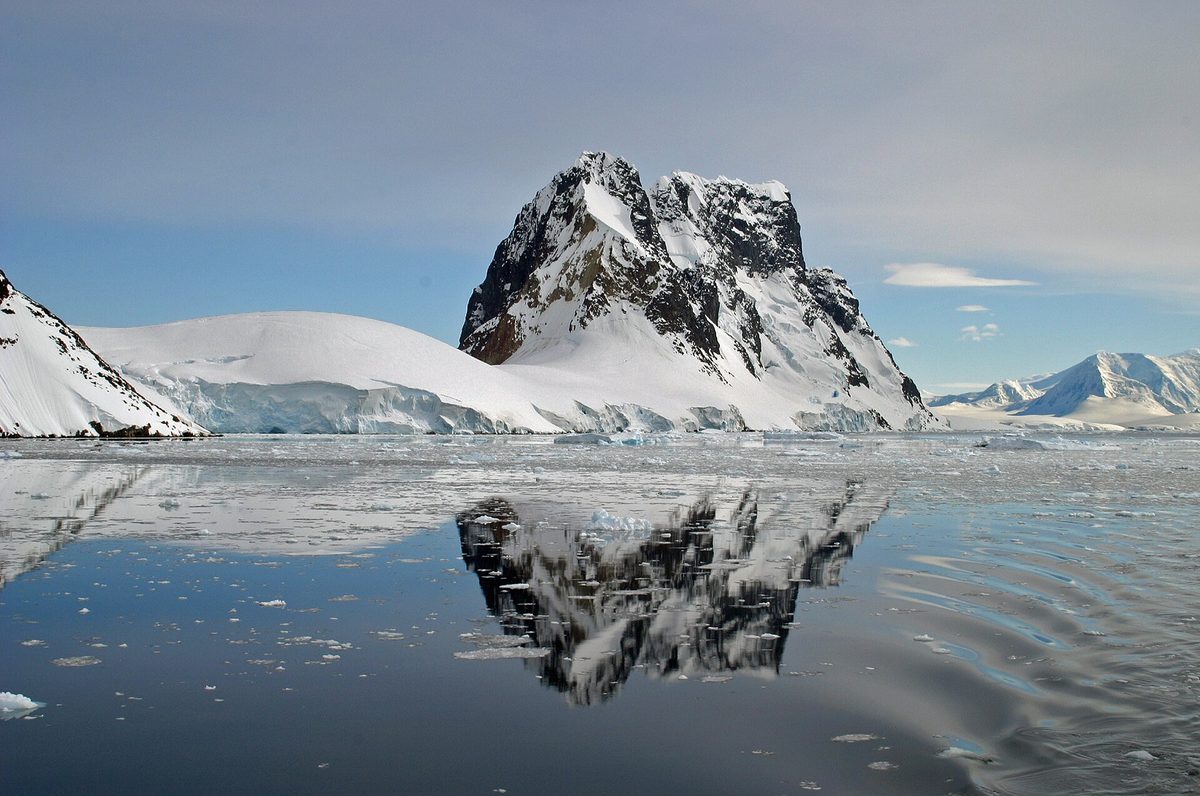
It is not only ships that have been transformed. Research stations across the continent have adopted Starlink too, ending decades of bandwidth rationing for scientists and support staff and dramatically improving life at remote bases. If your itinerary includes a visit to a station or a place like Port Lockroy, you will see this modern connectivity layered onto historic surroundings — a vivid illustration of how quickly Antarctica is changing. It is worth remembering, though, that station connectivity exists primarily for science and operations, not for visiting tourists, so do not expect to log on during a landing. Your connectivity is the ship’s connectivity.
Can You Work Remotely From Antarctica?
The digital-nomad dream of answering emails beside a penguin colony is now partly possible, but I would temper it heavily. On a well-connected ship you can keep an eye on email and handle light tasks during open-water stretches, but the connection is too variable to rely on for anything time-critical or bandwidth-heavy. Video meetings may work one hour and fail the next. If your trip overlaps with unavoidable work, set an out-of-office, warn colleagues you will be intermittent, and batch your online tasks for the open-water periods when the signal is strongest. Better still, arrange genuine time off; this is not a destination that rewards divided attention, and the landings happen on Antarctica’s schedule, not your calendar’s.
Tips to Make the Most of Limited Wi-Fi
- Download maps, reading, and entertainment before you sail.
- Use the strong open-water stretches, like the Drake crossing, for anything important.
- Compress photos before sending; skip large uploads entirely.
- Turn off automatic cloud backup and app updates to save shared bandwidth.
- Agree a daily check-in window with family rather than expecting constant contact.
- Keep the operator’s shoreside office number with people at home for emergencies.
- Be courteous: avoid streaming when the network is busy after a landing.
- Embrace the gaps — they are deck-and-camera time, not lost time.
Onboard Etiquette
A word on manners, because connectivity is a shared resource and a shared space. When the whole ship returns from a landing and floods the network, heavy streaming by a few can spoil basic messaging for everyone, so save the big downloads for quiet hours. More importantly, be mindful of the social atmosphere: part of the magic of expedition travel is the community that forms among passengers, and a lounge full of people staring at phones loses something special. The unspoken culture on the best voyages is phones-down, eyes-up, especially when there is wildlife about. Follow it, and you will get more out of the trip and make better friends. For ideas on filling those device-free hours, our guide to things to do in Antarctica is full of inspiration.
Connectivity Across Your Whole Journey
It helps to think about connectivity as a journey with distinct phases rather than a single switch. In your gateway city — Ushuaia, Punta Arenas, or wherever your trip begins — you have normal, fast hotel and cafe Wi-Fi, so this is the moment to handle anything important: final downloads, banking, booking confirmations, and a proper goodbye-for-now message home. Our guide to how to get to Antarctica covers the gateway logistics, and our guide to money and currency for an Antarctica trip explains why settling card and cash matters there too. Once you sail, you transition to ship Wi-Fi, strong across open water like the Drake and patchier in the dramatic channels. Then you return to gateway connectivity at the end. Planning your online life around these phases — front-loading the important stuff in the city — removes almost all connectivity stress from the voyage itself.
Photography, Sharing and Backups
Antarctica is one of the most photogenic places on Earth, and the urge to share is strong. A realistic approach keeps everyone happy: shoot freely, but back up to a laptop or portable drive rather than relying on cloud sync over the ship’s network, and send only a small, compressed selection to family while you travel. Save the full gallery and any big uploads for your gateway hotel or home. This protects shared bandwidth and your own sanity, and it means a dropped signal never costs you your memories. The wildlife you will be photographing — the penguins, seals, and whales detailed in our Antarctica wildlife guide — deserves your eyes more than your upload bar anyway. Choosing the best time to visit Antarctica for the scenes you most want to capture will do more for your photos than any amount of bandwidth.

From a Continent of Silence to a Connected Frontier
It is worth pausing on how remarkable this change really is. For the entire history of human presence in Antarctica — from the heroic-age explorers cut off for years, to twentieth-century scientists rationing precious radio time, to early tourists paying a fortune for a single satellite email — isolation was the defining condition of being on or near the continent. That isolation shaped the culture of Antarctic travel: the deep focus, the forced presence, the sense of having genuinely left the world behind. Starlink has dismantled the technical barrier in the space of a few seasons, and the implications are still being absorbed by operators, scientists, and travelers alike. Some mourn the loss of total disconnection; others welcome the safety and reassurance that reliable communication brings. Both reactions are valid, and you get to choose your own relationship with the signal. My suggestion is to treat the new connectivity as an option you can decline rather than an obligation you must fulfil — the best of both worlds, available for the first time in history.
Frequently Asked Questions
Is there Wi-Fi on Antarctica cruises?
Yes, increasingly so. Many modern expedition ships now offer Starlink-based Wi-Fi good enough for messaging, email, browsing, and sometimes light streaming. Quality varies by operator and by your position, and the signal drops in steep channels and bad weather.
Is the Wi-Fi free on Antarctic expedition ships?
It depends on the operator. Some include basic Wi-Fi free for all guests, others offer a free messaging-and-email tier with paid upgrades, and some sell tiered bandwidth packages. Confirm the policy with your line before booking.
How fast is Antarctica WiFi now?
On Starlink-equipped ships in good conditions it can be dramatically faster than the old satellite systems — fast enough to send photos and make some video calls. But it is shared among hundreds of passengers and varies with weather and location, so treat it as good-but-intermittent.
Can I stream movies or video call from Antarctica?
Sometimes, on the better bandwidth tiers and in good conditions, but operators often discourage heavy streaming to protect shared bandwidth. Plan for light use — messaging and photos — rather than reliable high-definition streaming.
Will my phone have signal in Antarctica?
There are no cellular networks at sea in Antarctica, so your phone connects only through the ship’s Wi-Fi. Keep it in airplane mode with Wi-Fi on. Our guide to phones and staying in touch explains the details.
Can I work remotely during an Antarctic voyage?
Lightly and unreliably. You can handle email and small tasks during strong open-water stretches, but the connection is too variable for anything time-critical or bandwidth-heavy. Set an out-of-office and batch your online work.
How do I handle emergencies back home while away?
Give your family the operator’s shoreside office contact before you leave. The ship’s dedicated satellite communications are separate from passenger Wi-Fi, so urgent messages can always be relayed even when guest internet is down.
Should I just disconnect entirely?
Many travelers are glad they did. A daily check-in to reassure home, then phone away, is the sweet spot. The wildlife and scenery are so absorbing that most people find the digital break one of the trip’s unexpected pleasures.
Does the Wi-Fi work during the Drake Passage crossing?
Often yes — the open water of the Drake tends to have a clear line of sight to the satellites, so it is one of the more reliable stretches for connectivity. It is a good window for sending photos or handling anything important before you reach the channels where the signal dips.
Will connectivity keep improving?
Almost certainly. Coverage toward the poles has been filling in with new high-inclination satellites, and more operators are installing and expanding service each season. Expect future voyages to be better connected still, even as the case for occasionally switching off remains just as strong.
Final Thoughts
The story of Antarctica WiFi is one of the most dramatic changes in modern expedition travel: a place defined by isolation has, almost overnight, become reachable. On many ships you can now share the journey in near real time, reassure the people you love, and stay loosely tethered to the world if you wish. But the deeper truth has not changed — Antarctica is at its best when you look up from the screen. My advice is to set your expectations sensibly, prepare your devices, send the daily check-in, and then let the continent have your full attention. For the rest of your planning, from connectivity’s sister topics to the broader practicalities, our Antarctica travel tips hub and our guide to choosing Antarctica cruises will help you build the trip you want.